Jira integration
Triage the backlog before standup starts
Nobody wants to be the person who grooms the backlog. An agent reads every new issue, asks for what's missing, labels it, and hands your team a queue that's already sorted.
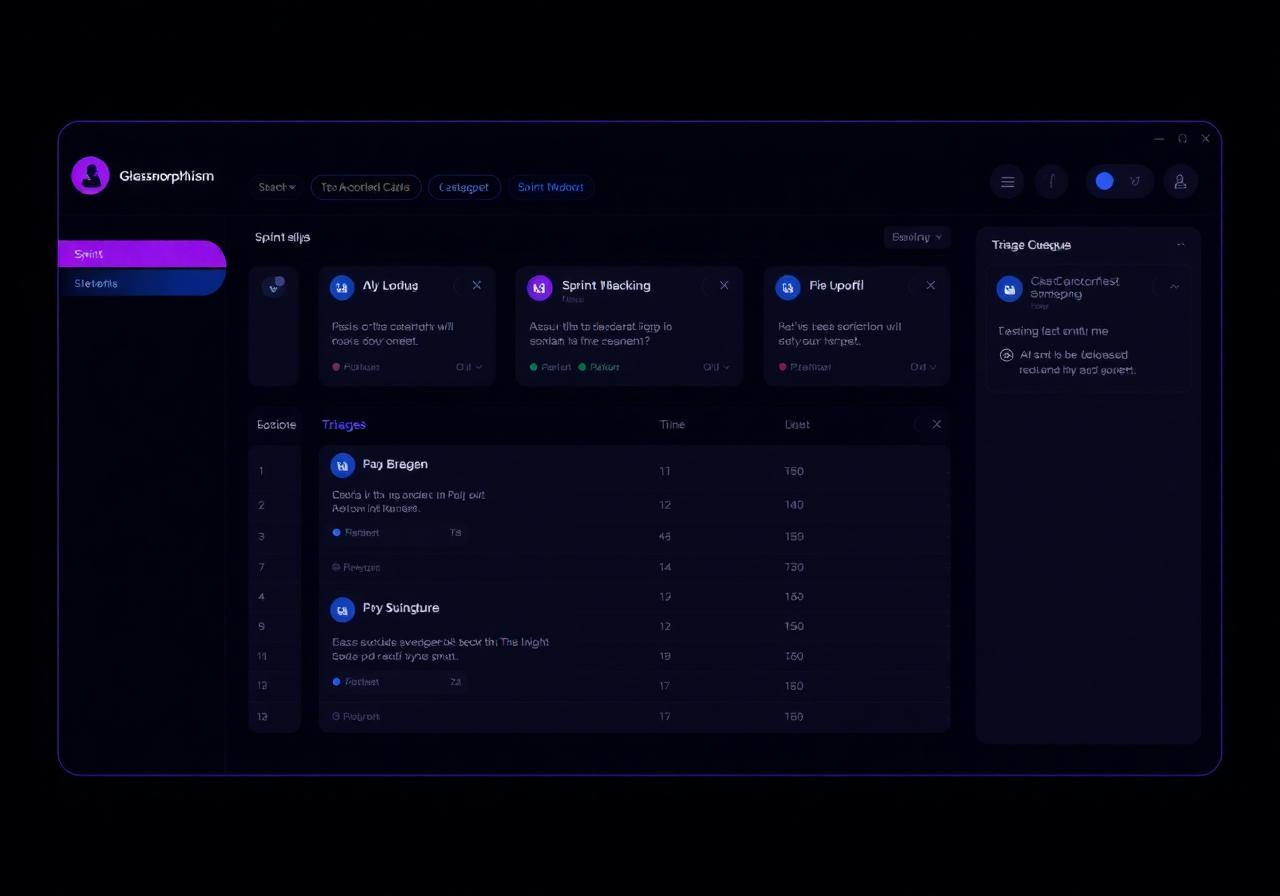
What it does
Real work inside Jira
Describe the outcome in plain language. The agent handles the Jira steps, and every write waits for your approval until you say otherwise.
Bug reports worth reading
The agent turns a vague support message into a structured issue: steps to reproduce, expected versus actual, environment, and links to the original conversation.
Automatic labels and components
New issues get classified by area, severity and likely owner using your own conventions, so the board is usable the moment you open it.
Duplicates caught early
Before creating an issue, the agent searches for existing ones and links rather than clones — the single biggest source of backlog noise.
Transitions with a written reason
Moving an issue leaves a comment explaining why, so the history reads like a decision log instead of a series of silent status flips.
Sprint prep and review drafts
Scheduled runs summarise what shipped, what slipped and what's blocked, with the ticket links, ready for your ceremony.
Approval before it touches the board
Issue creation, transitions and comments all queue for review until you decide a given action is safe to automate.
Use cases
Who puts this agent to work
| Team | Job to be done | What the agent runs |
|---|---|---|
| Engineering manager | Keep the board honest | Daily sweep for stale issues, missing estimates and unassigned work. |
| Support engineer | File better bugs | Convert a customer thread into a reproducible issue with links. |
| Product manager | Prep the review | Written sprint summary of shipped, slipped and blocked with reasons. |
| QA | Track regressions | Link new reports to prior fixes and flag recurring areas. |
| On-call | Turn alerts into work | Create an incident issue with the timeline already written. |
Better together
Jira plus the rest of Orqana
Connectors are one tool in the agent's hands. Combine them with memory, delegation, schedules and approvals.
Support connectors feed the pipeline
A ticket agent can hand a confirmed defect to your Jira agent, which files the issue and posts the link back to the customer thread.
Slack for the human loop
Triage decisions can be announced in the team channel where anyone can override before the agent commits.
Knowledge for your conventions
Upload your definition of done, severity matrix and component map so the agent labels the way your team labels.
Schedules for the ceremonies
Sprint prep on Monday, review draft on Thursday, stale-issue sweep nightly — none of it depends on someone remembering.
Setup
Connected in about five minutes
Describe the triage rules
"Label new issues by component, set severity from the description, and flag anything unassigned after 24 hours."
Connect Jira
Authorise your site over OAuth and choose the projects the agent may work in.
Teach it your conventions
Attach your severity matrix, component list and definition of done as knowledge.
Run it against the backlog
Start with a dry run over open issues, review the proposals, then let it work new issues on arrival.
Requirements at a glance
- Account type
- Jira Cloud site with project access
- Admin consent
- Site admin approves the app once
- Permissions
- Read issues, create issues, transition, comment
- Setup time
- About 5 minutes
- Plans
- Included on every plan, Starter upward
Build the agent now on your live integrations — Jira switches on for your workspace automatically at launch.
FAQ
Questions before you connect
When does the Jira connector go live?
The Jira app is in review. Join the notify list and we'll email you the day it's available for your site.
Can it close issues?
Transitions are supported but treated as a write, so they stay approval-gated until you explicitly auto-approve that transition for that project.
Will it spam the board with duplicates?
It searches for existing issues before creating anything and links instead of duplicating. If it isn't confident, it asks rather than files.
Whose account does the agent use?
Yours. Each person authorises their own account over OAuth, so the agent inherits that person's permissions exactly — it can never see or change anything that person could not.
Does this connector cost extra?
No. Connectors are included on every plan, including the free Starter plan. Plans differ by how many agents you run, how often they can be triggered and how much action history you keep — not by which apps you connect.
Start the agent today.
Plug in Jira at launch.
Free to start, no credit card. Your brief, tools and schedules carry straight over when the connector goes live.