Salesforce agents that do the CRM work
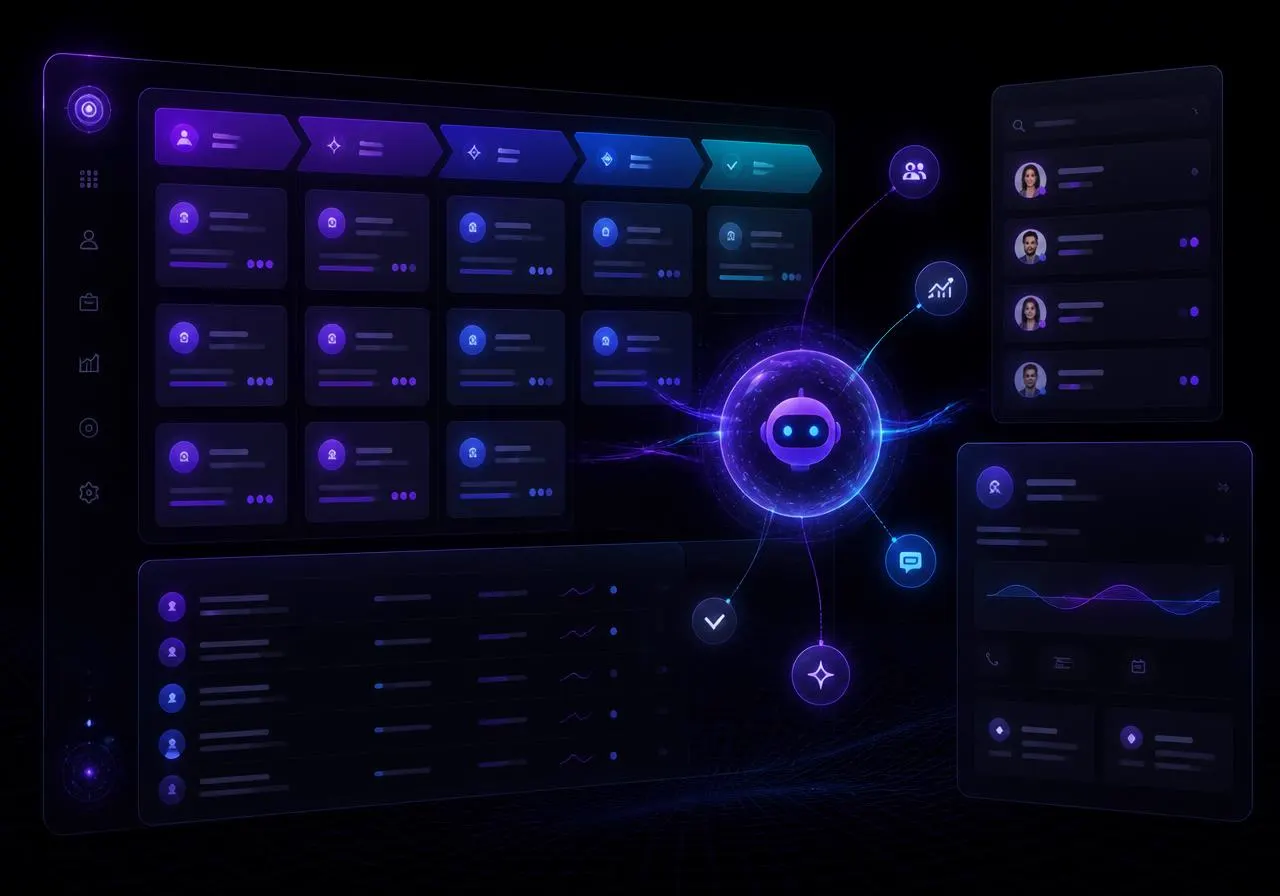
Describe the job in plain language and Orqana AI builds an agent that reads your pipeline, updates records with your approval and reports back — inside the permissions your Salesforce profile already gives you.
Benefits
What a Salesforce agent takes off your plate
Six jobs teams hand over first — each one built from a paragraph, not a workflow canvas.
Pipeline that stays clean on its own
An agent sweeps stale opportunities, fills missing close dates and next steps, flags deals with no activity in 14 days and posts a summary to the owner.
Lead qualification in minutes, not days
Inbound leads get researched, scored against your ICP rules and routed to the right rep with a written rationale logged on the record.
Call notes written for you
Drop a transcript or email thread in; the agent writes the activity log, updates fields it is allowed to touch and drafts the follow-up.
Renewal and risk alerts
Scheduled runs watch usage, support volume and open opportunities, then raise renewal risk before the quarter closes.
Approval before every write
Record updates pause for human approval by default, and every action lands in the workspace audit log with the field-level diff.
Your org, your permissions
Each user authorises their own Salesforce account over OAuth, so agents can only see and change what that person already can.
Who uses it
One connector, every revenue role
Common briefs customers have queued up for launch day.
| Role | Job to be done | What the agent does |
|---|---|---|
| Sales rep | Prep the day's calls | Brief per meeting from the account, last emails and open opportunities. |
| Sales ops | Enforce CRM hygiene | Nightly sweep of required fields, duplicate contacts and stage rules. |
| Account exec | Follow up faster | Draft the next-step email and log activity the moment a call ends. |
| CS manager | Protect renewals | Weekly risk digest across accounts with owner, reason and suggested play. |
| RevOps lead | Forecast sanity check | Flag deals whose close date or amount contradicts recent activity. |
Pricing
Included in every plan
No connector surcharge and no per-record fee — you pay for agent runs, not for access to your own CRM.
Starter
$29per user / month
500 agent runs / month included
- Salesforce connector included at launch
- Unlimited agents, 1 scheduled run per agent
- Read + approval-gated writes
- 30-day action history
Pro
Most popular$99per user / month
5,000 agent runs / month included
- Unlimited scheduled and event-triggered runs
- Bulk record operations and custom objects
- Auto-approve rules per field and per object
- Full audit export, SSO and role-based access
Installation walkthrough
Five minutes, five steps
This is the flow that goes live the moment the connector clears review.
Create the agent from a sentence
In your workspace, click New agent and describe the job — for example, "Every morning, review opportunities closing this month and flag any without activity in 14 days." Orqana picks the skills and tools.
Connect Salesforce
Open Integrations, choose Salesforce and hit Connect. You are redirected to Salesforce's own login (production or sandbox), where you approve the requested scopes for your user. No API keys are pasted anywhere.
Choose objects and permissions
Pick the objects the agent may touch — Accounts, Contacts, Leads, Opportunities, Cases, Tasks — and set each to read-only or approval-gated write. Field-level rules are inherited from your Salesforce profile.
Test on a single record
Run the agent against one opportunity from the chat panel. You see the reasoning trace, the exact fields it wants to change and can accept or reject each one.
Schedule it and watch the log
Add a schedule or an event trigger, then track every run in the Activity log with duration, records touched and credits used.
Requirements at a glance
- Salesforce edition
- Enterprise, Unlimited, Developer (API access required)
- Who installs
- Any user for their own account; admins can pre-approve the connected app org-wide
- Auth
- OAuth 2.0 with refresh tokens, encrypted at rest (AES-256-GCM)
- Objects at launch
- Account, Contact, Lead, Opportunity, Case, Task, Note + custom objects on Pro
- Sandbox support
- Yes — connect a sandbox org first and promote when you're happy
- Setup time
- About 5 minutes, no package install and no code
Build the agent now on your live integrations — Salesforce switches on for your workspace automatically at launch.
FAQ
Questions before launch
When does the Salesforce connector go live?
The connector is built and waiting on OAuth app review. Add your email below and we'll switch it on for your workspace and notify you the day it clears — no action needed from you in the meantime.
Can I build the agent before Salesforce is connected?
Yes. Create the agent and its brief today; it will run on your other connected apps and pick up Salesforce automatically once the connector is enabled.
Will agents change records without asking?
No. Writes are approval-gated by default. On Pro you can auto-approve specific fields or objects once you trust a workflow.
Does this cost extra on top of my plan?
No. The Salesforce connector is included on both Starter and Pro; you only consume your monthly agent runs and credits.
Start the agent today.
Plug in Salesforce at launch.
Free to start, no credit card. Your brief, tools and schedules carry straight over when the connector goes live.